No account required
Start planning instantly without sign-ups or setup.
MySeatPlanner gives you a clean workspace to design room layouts, seat guests, and share polished plans in minutes. Everything runs in your browser — no logins, no installs, no surprises.
Built for real venues
Core features
Built for weddings, events, corporate seating, and any venue that needs clear, shareable layouts.
Start planning instantly without sign-ups or setup.
Nothing to install, nothing uploaded, nothing stored on servers.
Send one URL to collaborators, venues, or family.
Bulk-add guests from spreadsheets.
Your plan is preserved automatically in the browser.
Produce a clean, printable layout.
Plan layouts spatially, not abstractly.
Circle, oval, square, and rectangular tables.
Adapt layouts to real venues and awkward spaces.
Guests appear around tables, not hidden in lists.
Clearly see who sits where.
Fast reshuffling without re-entering data.
Quick management when visual seating isn't needed.
Keep the plan accurate as the guest list changes.
Capture context like dietary needs or relationships.
Find people quickly in large lists.
Instantly see progress and gaps.
Stages, dance floors, exits, bars, or custom items.
Align layouts to real venue constraints.
Clearly identify functional areas.
Planners, venues, and helpers understand the layout instantly.
Share layouts without risking accidental edits.
Collaborators can adjust layouts when appropriate.
Collaborators open the link without joining or logging in.
Matches what you see on screen.
Safely continue where you left off.
Accommodate small dinners or large venues.
Comfortable in any environment.
Usable on phones and tablets when away from desktop.
Preview
Visual layouts, guest assignments, and room props are all managed in one workspace. Switch between layouts and guest lists without losing your flow.
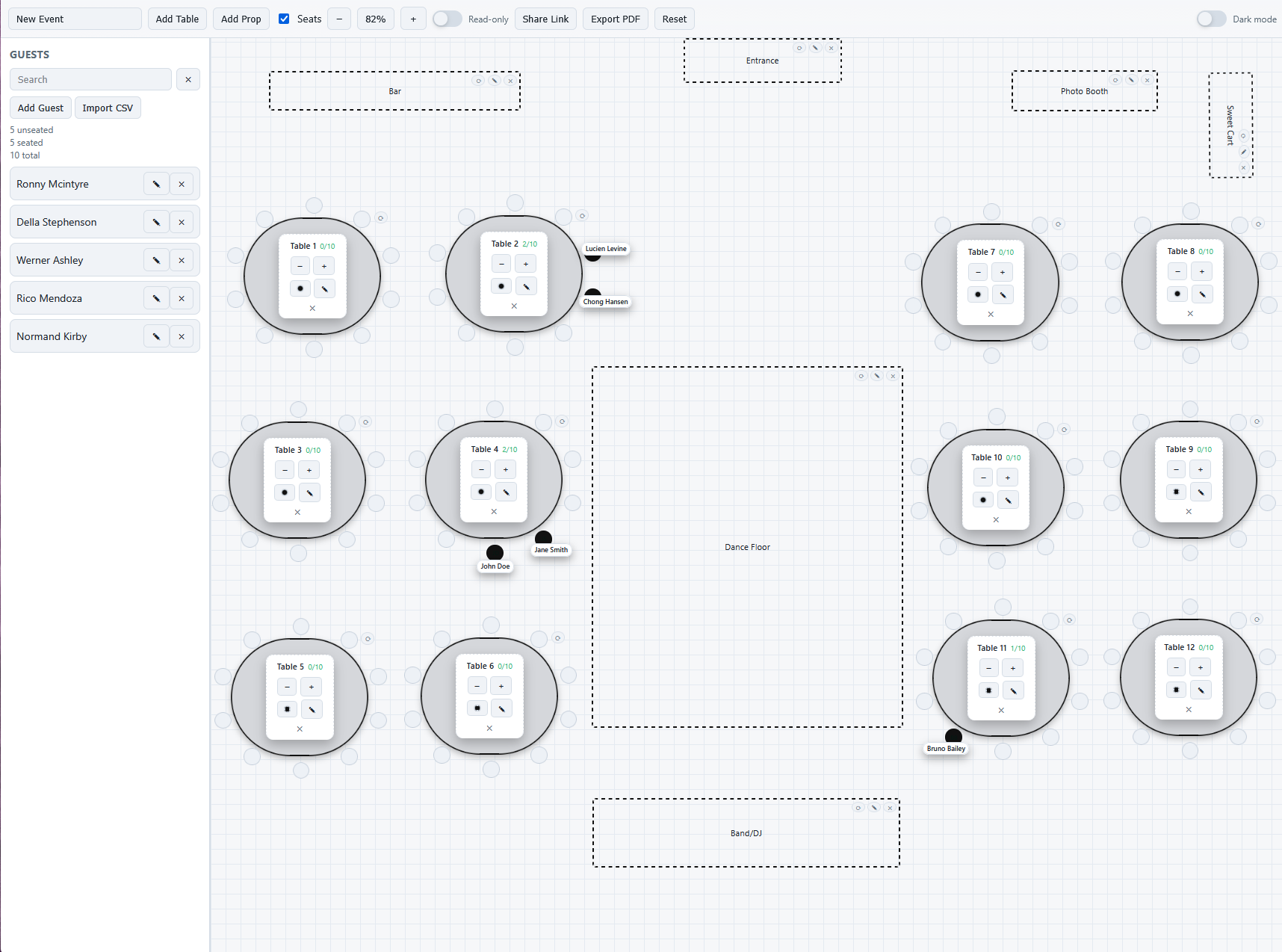
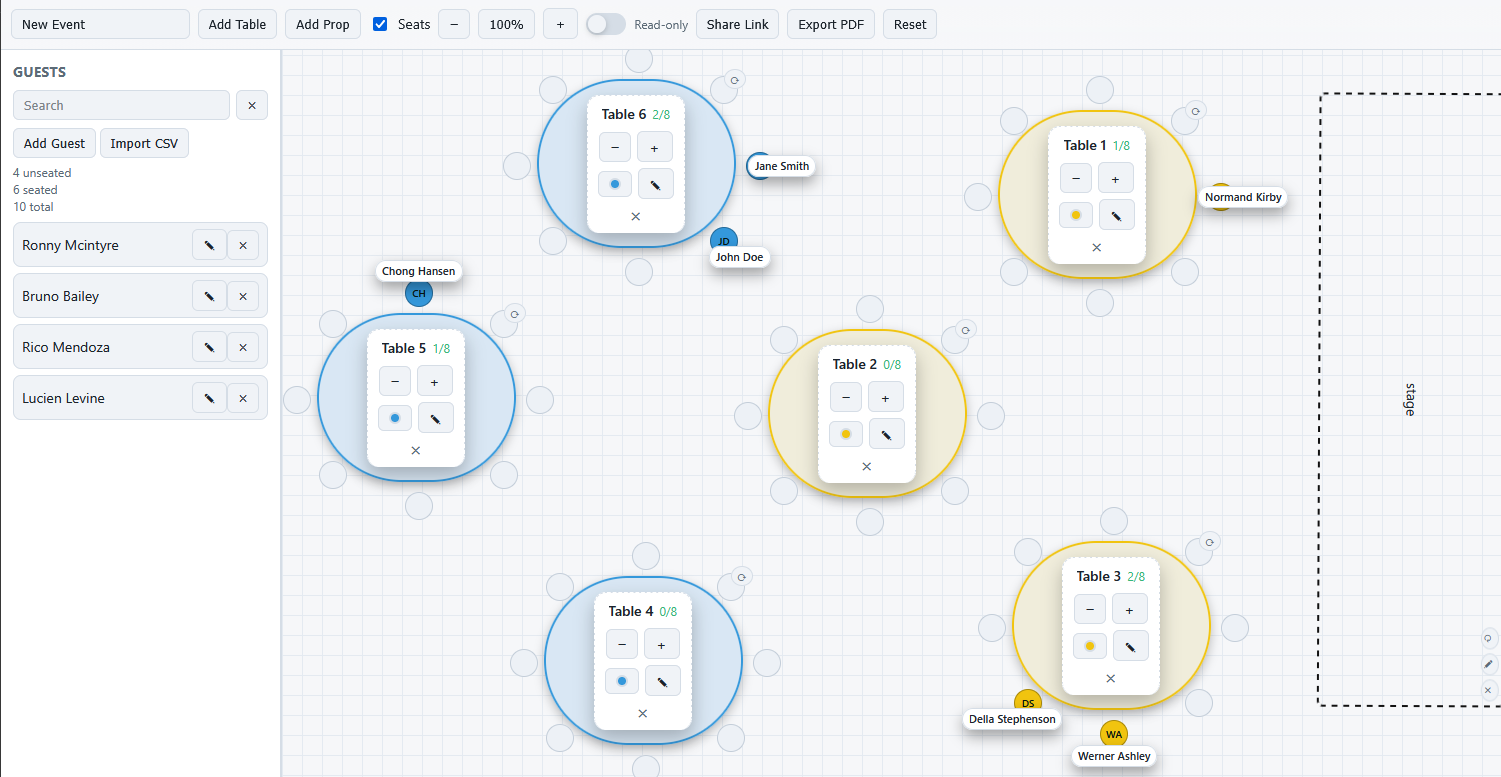
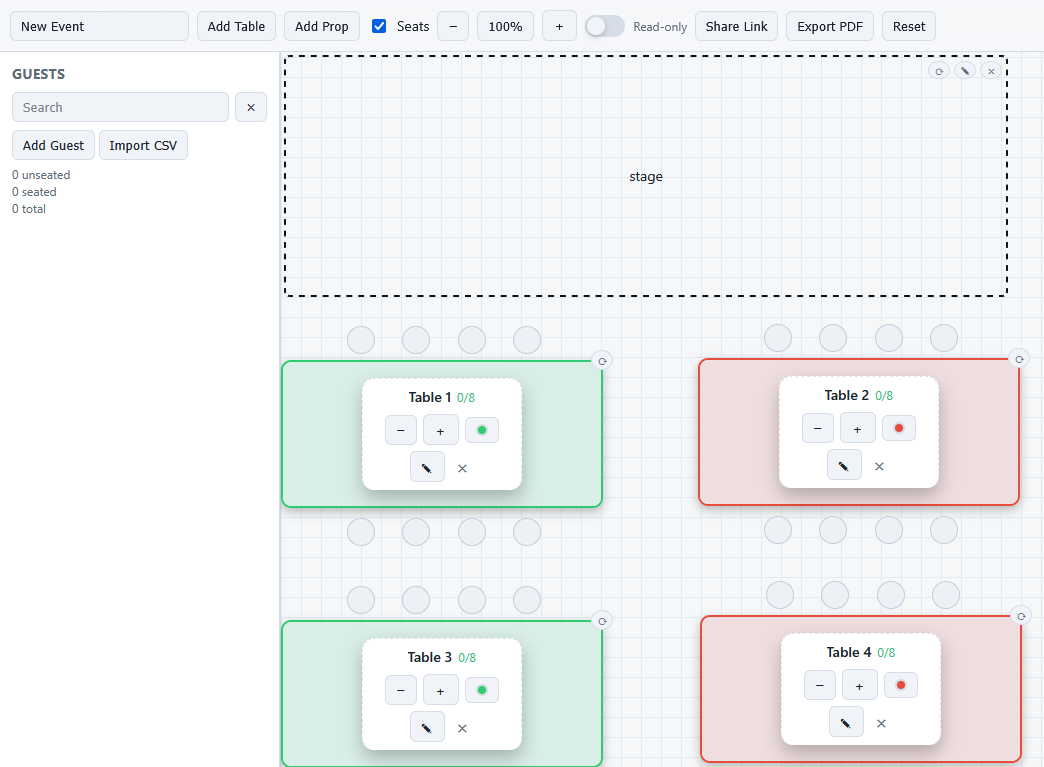
A quick look at the planner layout and table controls.
Guides
Friendly guides for the real wedding seating questions that tend to pop up late at night.
Great if you are starting from scratch and want a clear way forward.
Read guidePerfect when you want an easy first draft before fine-tuning.
Read guideA gentle approach to one of the trickiest family seating moments.
Read guideA practical layout example for when the guest count feels big.
Read guideThe common slips almost everyone makes and how to sidestep them.
Read guideA simple way to combine both tools without extra effort.
Read guideFAQ
No. MySeatPlanner works without logins or sign-ups.
Your seating plan is compressed and saved directly inside the link, so you can share it instantly. Nothing is stored on our servers.
No. Guest details are kept in your browser or in the shareable link you generate. Nothing is uploaded or stored on our servers.
Yes. Export a clean layout and table list as PDF.
Yes. MySeatPlanner is designed for desktop and tablets, and works on mobile for quick edits and viewing plans.
Your seating plan (including guest details) is saved locally in your browser so you can continue where you left off. This data never leaves your device and is not uploaded or stored on our servers. If you choose not to restore a saved plan or click reset, the saved data is cleared.
I'd love to hear it. Send a message here.